
Fix old and damaged photos with AI — free to try, no account needed.
Restore old, faded family photos.
The risk with restoring an old photo is getting back someone who isn't quite the person you remember. Restore repairs the damage and leaves the face alone.

One photo free, no account
Full-resolution download, no watermark
Uploads are not used for training
Tools
Every tool, one job each
Nothing runs that you did not ask for. Pick the one that matches the problem, or chain a few when a photo has more than one.
Features
What each tool does
Each tool is purpose-built and runs independently so you only pay for what you actually use.
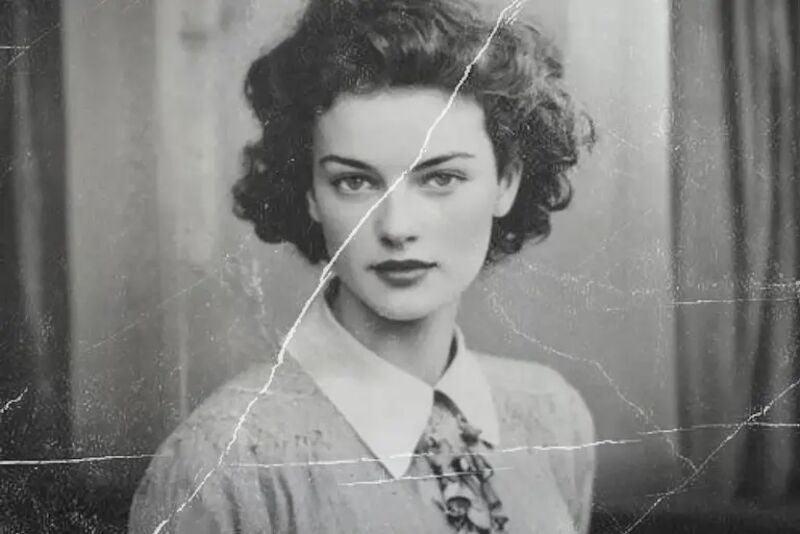
Restore
Bring old photos back to life
Decades of fading, scratches, and color shift — handled in one pass. The model rebuilds missing detail without inventing faces or textures that were never there.
- Reconstructs faded detail from scanned prints
- Corrects color shift without altering skin tones
- Handles creases, tears, and water damage

Denoise
Grain gone, detail kept
Most denoisers buy a clean image by softening everything in it. This one drops the grain and leaves edges where they are, so faces still read as faces.
- Built for low-light and high-ISO shots
- Clears the blockiness left by repeated compression
- Pairs with Upscale when the file is small too
Background remove
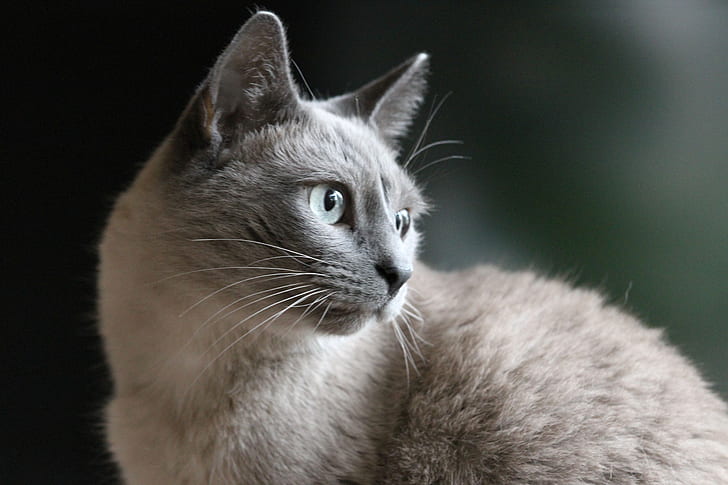
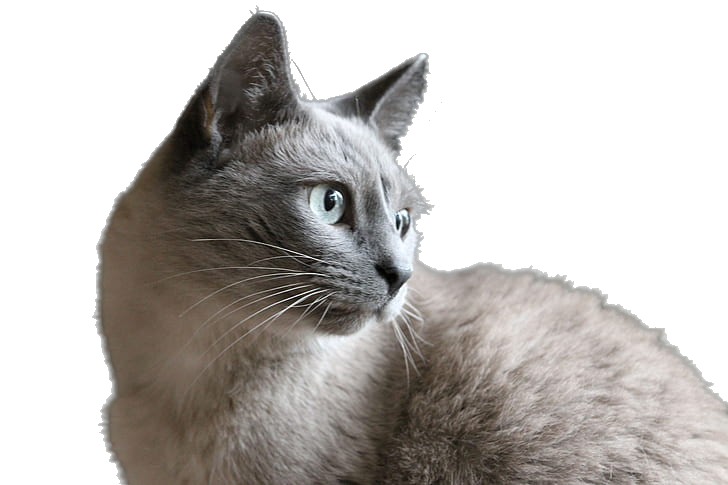
Clean cutouts in seconds
Precise edge detection around hair, fur, and transparent objects. Export with a transparent background or drop in a solid color.
- Holds up on hair, fur, and glass
- Returns a transparent PNG ready to place
Upscale
Print-ready resolution from small files
Turn a 500px web image into a high-res file ready for print or large displays. Detail synthesis keeps edges clean at every scale.
- Keeps text and fine lines readable
- Rebuilds detail rather than stretching pixels
Pricing
Simple, transparent pricing
Start free, upgrade when you need more. Every plan includes full-resolution downloads.
Free
$0/mo
Try one photo before you commit.
- Your first result is free, full resolution, no account needed.
- Full-resolution download
- No account required
Starter
$12/mo
120 monthly credits for repeat work.
- Starter adds 120 monthly credits once the free credits are gone.
- Create an account for 5 signup credits and workspace history.
- Saved workspace history
- Priority processing
Pro
$29/mo
High-volume editing for teams and studios.
- 500 monthly credits
- All Starter features
- Priority support
FAQ
Quick answers
Do I need an account to try the tools?
No. Upload one photo and get a free result before you create an account. The download link stays available so you can evaluate the quality first.
What file formats are supported?
JPG, PNG, and WEBP. The output is always a high-quality PNG, regardless of the input format.
How does the credit system work?
Each tool costs a set number of credits per image — for example, Denoise and Sharpen use 1 credit each, while Upscale and Background Remove use 2. Free visitors get a handful of credits. Creating an account adds signup credits, and the Starter plan refills 120 credits every month.
Are my photos used for training?
No. Uploads are processed for your result and then removed. Nothing is retained for model training or shared with third parties.
Can I cancel at any time?
Yes. Billing is handled through Stripe and you can cancel directly from the workspace. No lock-in, no questions.
What happens if I run out of credits?
You can wait for the next monthly refill or upgrade your plan. Unused credits don't roll over to the next month.
That photo deserves better than a shoebox
Bring it back in thirty seconds. No account, no commitment — just the photo you've been putting off.